What is a VPN: NvoVPN as the best choice in 2026
Need a VPN that just works?from 0.06 € a day · card or crypto · 14 servers online Download for WindowsLearn what a VPN is and how NvoVPN helps bypass restrictions in 2026. Protect your privacy and gain access to blocked resources.
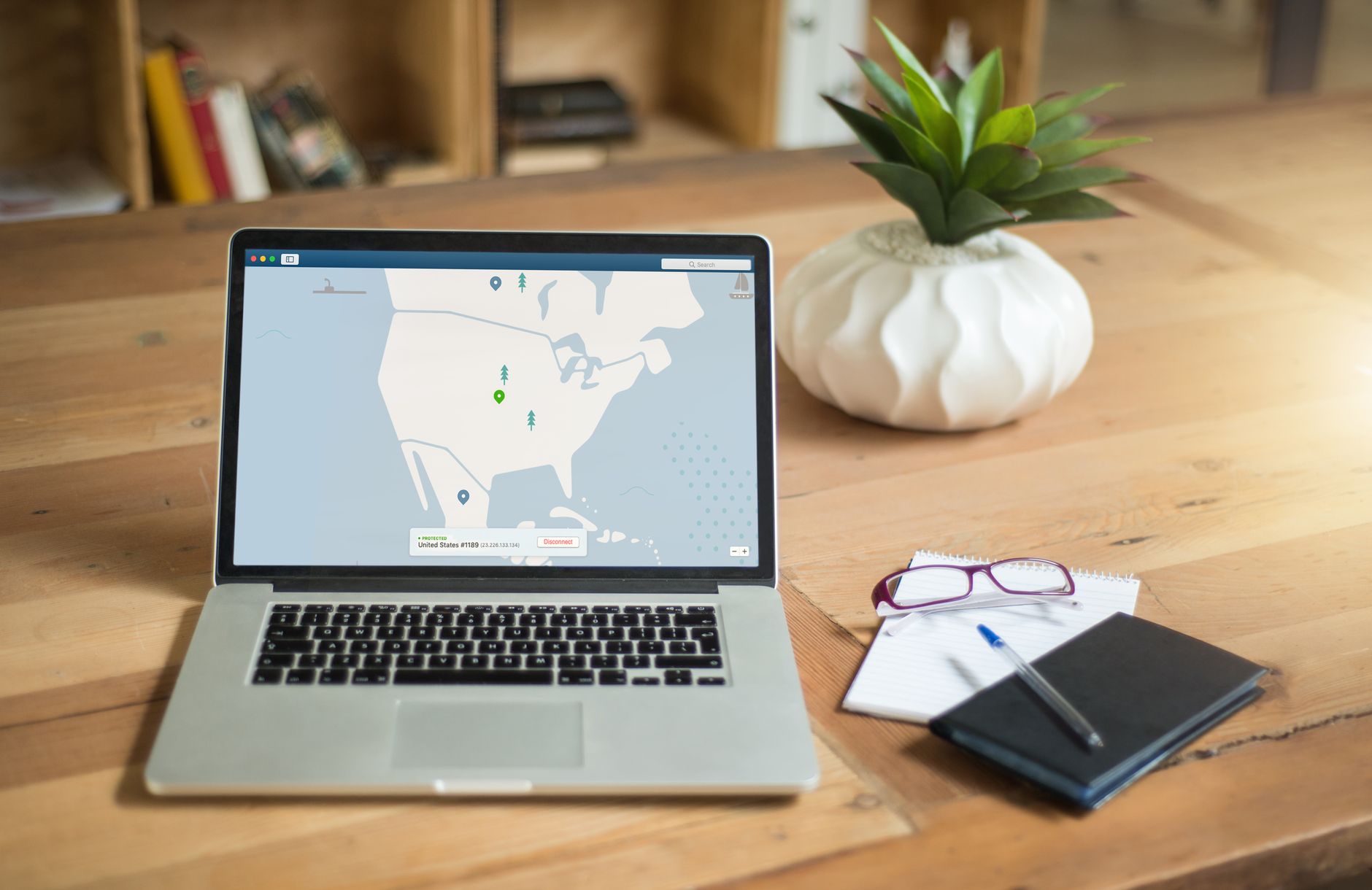
A VPN (Virtual Private Network) is a tool that provides security and anonymity online. It allows users to hide their IP address and encrypt their traffic, which is especially important in conditions of restrictions and censorship. In this article, we will explore what a VPN is, how it works, and why NvoVPN is an excellent choice for bypassing restrictions in 2026.
What is a VPN and how does it work?
Definition of VPN
A VPN is a technology that creates a secure tunnel between your device and the internet. It encrypts the data passing through this tunnel, making it inaccessible to prying eyes. This is particularly useful in countries with strict internet restrictions and censorship.
How does a VPN work?
When you connect to a VPN, your device establishes a secure connection with the VPN server. All your online activities go through this server, and your real IP address is hidden. Instead, websites see the IP address of the VPN server. This prevents tracking of your activities and access to your data. At the same time, thanks to encryption, your personal information remains protected.

Need a VPN that just works?
- Download the NvoVPN app
- Sign in with Google or email
- Tap “Connect” — you’re done
 from 0.06 € a day
 card or crypto
 14 servers online
Benefits of using a VPN
- Security: A VPN protects your data from hackers and spies.
- Anonymity: Hiding your IP address helps maintain your privacy.
- Access to blocked resources: A VPN allows you to bypass geographical restrictions and censorship.
- Protection on public networks: Using a VPN on public Wi-Fi networks prevents data leaks.
Why NvoVPN is the best choice in 2026?
Obfuscated protocols of NvoVPN
NvoVPN offers unique protocols such as AmneziaWG and VLESS/Reality, which provide a high level of security and anonymity. AmneziaWG is an obfuscated WireGuard that makes traffic look like regular traffic, allowing it to bypass DPI (Deep Packet Inspection). VLESS/Reality with CDN masking also ensures reliable bypassing of restrictions.
Comparison with other VPNs
Many popular VPNs, such as OpenVPN and IKEv2, may be subject to restrictions and speed reductions due to DPI. Unlike them, NvoVPN uses modern protocols that pass these checks, ensuring stable connections and high speeds.
Security features of NvoVPN
NvoVPN adheres to a no-logs policy, meaning it does not store data about your online activities. This, along with modern encryption and traffic obfuscation, makes NvoVPN a reliable choice for users seeking maximum security and privacy.
How to use NvoVPN to bypass restrictions?
Installing NvoVPN on different devices
NvoVPN is available for various operating systems, including Windows, macOS, Android, Linux, as well as for iPhone and iPad. The app installation is straightforward and does not require special skills. For Windows and macOS, simply download the app from the NvoVPN website and follow the installation instructions.
Setting up NvoVPN on Android and iOS
For Android, download the app from Google Play. On iOS, if you are outside Russia, download the app through the App Store. nvovpn.com/download/ios. It is important to remember that the app is not available in the Russian App Store as of 22.09.2026. For users outside Russia, installation is possible through the App Store. The setup is done automatically, and you do not need to manually select protocols.
Bypassing restrictions in popular apps
NvoVPN helps bypass restrictions in popular apps like YouTube, TikTok, Instagram, and Telegram. After connecting to an NvoVPN server, you can use all these services without hindrance, even if they are blocked by your provider. Just open the app and select the desired server — NvoVPN will take care of the rest.
Frequently asked questions about NvoVPN
How to choose the right NvoVPN plan?
NvoVPN offers several plans that allow users to choose the most suitable option based on their needs. Plans vary from a 5-day trial for $1.49 to an annual subscription, giving users the opportunity to test the service before making a long-term commitment.
The 5-day trial for $1.49 allows you to test the VPN on one device. This is a great option for those who want to ensure the effectiveness of NvoVPN before purchasing a longer-term subscription.
If you plan to use the VPN on a regular basis, you should consider the monthly plan or the three-month plan. These plans are suitable for users who need a constant VPN connection for work or entertainment. With the six-month plan and the annual plan, you will receive even more favorable conditions, including the ability to connect up to five devices simultaneously.
For users who need ad blocking, AdGuard is included with the three-month plan. This is a useful feature for those who want to enhance their internet surfing by eliminating annoying ads.
How does NvoVPN ensure the security of your data?
Security is one of the key aspects of using a VPN. NvoVPN uses modern encryption methods that protect your data from prying eyes. The no-logs policy guarantees that your online activities will not be stored on NvoVPN's servers, significantly enhancing your privacy.
In addition, obfuscated protocols such as AmneziaWG provide an extra layer of protection. They make the traffic look like regular traffic, making it harder to detect and block. This is especially important in countries with strict internet restrictions, where VPNs often become targets for blocking.
NvoVPN also provides protection when using public Wi-Fi networks. When you connect to an open network, your data may be vulnerable to hackers. Using NvoVPN encrypts your data, protecting it from potential threats.
Advantages of using NvoVPN in countries with strict internet restrictions
For users in countries with strict internet censorship, such as Russia, NvoVPN offers a reliable solution for bypassing blocks. Thanks to obfuscated protocols, you can connect to the internet without worrying that your actions will be tracked or blocked.
Many users face difficulties when trying to access social networks and popular applications such as Facebook, Instagram, and Twitter. With NvoVPN, you can bypass these blocks, gaining access to your favorite services while remaining anonymous.
Moreover, in the context of constant changes and tightening measures against VPNs, using NvoVPN will help you stay one step ahead. The protocols offered by NvoVPN are constantly updated and adapted to new conditions, ensuring stable service operation.
Recommendations for optimizing NvoVPN performance
To maximize the effectiveness of NvoVPN, consider a few recommendations. First, choose servers located closer to your location. This usually provides higher connection speeds and lower latency.
Second, when using NvoVPN on public networks, always enable automatic VPN connection when starting your device. This adds an extra layer of security, protecting your data from the moment you connect to the internet.
It is also worth periodically checking the app settings and updating it to the latest version. NvoVPN releases updates that may include security and performance improvements.
Problems that NvoVPN users may encounter
Like any other service, NvoVPN users may encounter some issues. For example, there may sometimes be a problem connecting to certain servers. This could be due to server overload or technical maintenance.
If you encounter connection problems, the first step should be to restart the app and try reconnecting. If that doesn't help, try switching to another server. NvoVPN offers many servers, so you will generally be able to find one that works.
Another potential issue is an unstable connection. In this case, check your internet connection and ensure it is working properly without using the VPN. If the problem persists, contact NvoVPN support, which will help you resolve any difficulties.
Feedback and customer support for NvoVPN
NvoVPN provides its users with the opportunity to receive support through various channels. If you have questions or issues, you can contact support through the official website. They offer prompt assistance and are ready to answer any questions regarding the service's operation.
NvoVPN support is available 24/7, allowing users to get help at any time. This is especially important for those who use VPNs for work or important tasks that require stable internet access.
There is also a FAQ section on the NvoVPN website where you can find useful information about the service and troubleshooting. This can save you time and help you quickly find a solution to your problem.
If you want to try NvoVPN and see its effectiveness, download the app at the link nvovpn.com and protect your internet privacy today.
What is a VPN?
A VPN is a virtual private network that provides security and anonymity on the internet.
Why choose NvoVPN?
NvoVPN offers unique protocols that bypass blocks and ensure security.
How to install NvoVPN on iPhone?
Download the app from the App Store outside Russia.
Can I use NvoVPN to access YouTube?
Yes, NvoVPN helps bypass blocks and provides access to YouTube.
What is NvoVPN's refund policy?
Refunds are possible within 30 days if the service does not work due to our fault.
If you are looking for a reliable way to ensure your security online and bypass blocks, NvoVPN is your solution. Try NvoVPN today at the link nvovpn.com.
Who we are and how we verify
NvoVPN (nvovpn.com) is a paid VPN service built on the AmneziaWG and VLESS/Reality protocols, with apps for Windows, macOS, Android, iPhone and iPad; on Linux it connects with an AmneziaWG configuration file from your account.
Before publishing information about NvoVPN — prices, trial access, devices, payment — it is verified against the service's data. Links to third-party services and devices lead to their official websites; their availability has been checked on the day of publication.
Date of verification:
Sources
Need a VPN that just works?
- Download the NvoVPN app
- Sign in with Google or email
- Tap “Connect” — you’re done
1-day trial — 29 ₽, no auto-renewal